

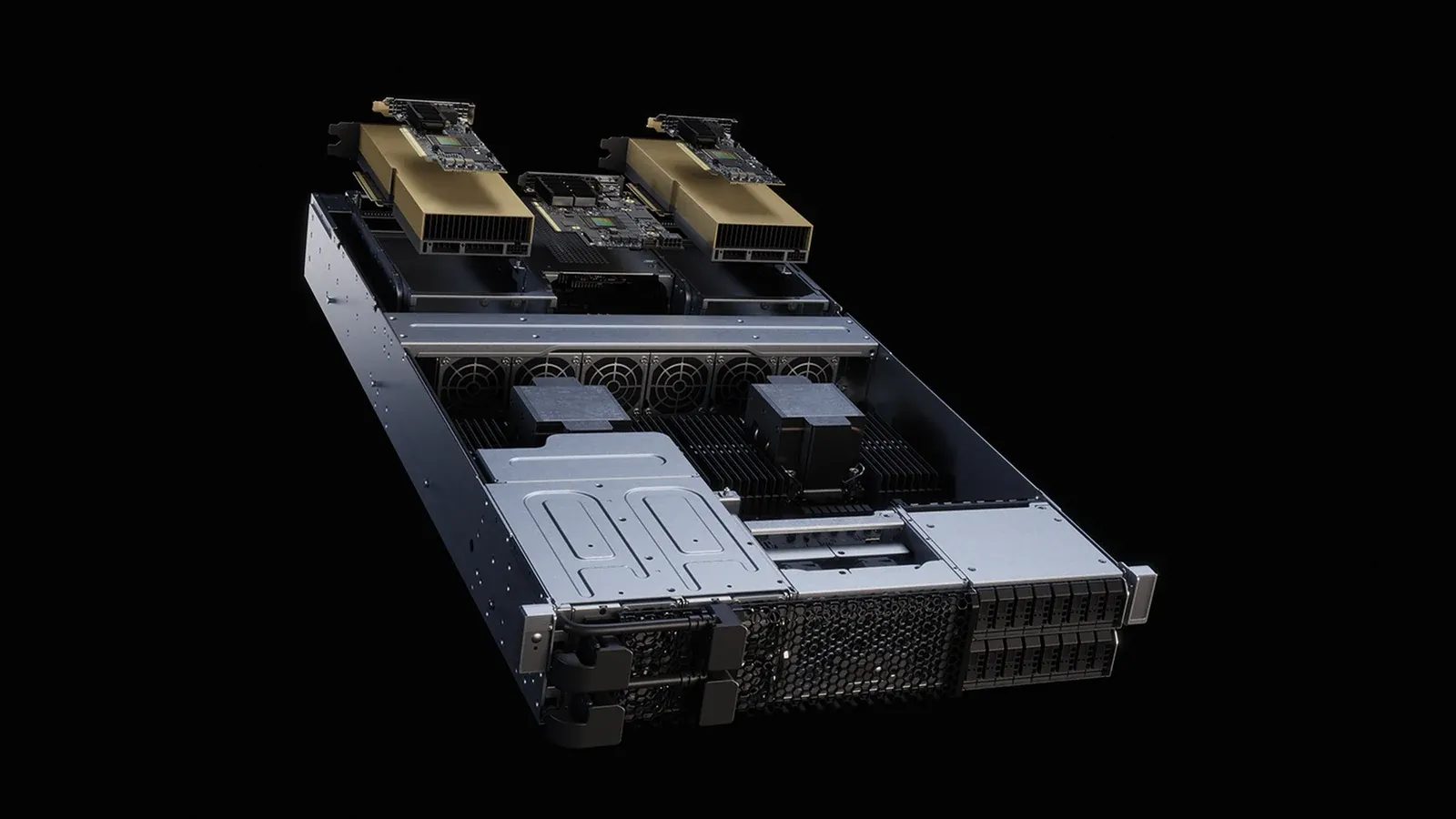
There are three good reasons to run a model locally: the data never leaves the machine, there are no per-call fees, and it works even when there’s no internet connection. The first question is always: How much can my machine handle?
Memory Estimation
Rule of thumb: memory required ≈ number of parameters × number of bytes per parameter, plus 15–25% for context buffering and overhead.
- 16-bit — 2 bytes per parameter: a model with 7 billion parameters requires about 15GB
- 8-bit — 1 byte: about 8 GB, with virtually no loss in quality
- 4-bit — 0.5 bytes: approximately 4.5 GB; quality is slightly reduced but acceptable for most tasks
Below 4 bits, the quality begins to decline noticeably, especially in multi-step inference and code generation.
The bottleneck is memory bandwidth, not computing power
Generating each token requires re-reading all the weights for that token. Therefore, the speed is limited by memory bandwidth rather than the number of calculations per second.
Practical implication: Graphics cards with high-bandwidth memory overwhelmingly outperform CPUs; and on laptops with unified memory, capacity is usually not the issue—bandwidth is.
Reasonable Expectations
A small-scale model running on a standard graphics card provides performance smooth enough to follow along. The same model running on a CPU is many times slower—it’s suitable for batch processing but not for real-time conversations.
When Should You Run in Place?
Repetitive tasks with clear patterns—such as classification, extraction, summarization, and rewriting—are handled well and cost-effectively by small on-premises models. For tasks requiring multi-step reasoning or broad knowledge, large models accessed via an API remain significantly superior.
Thảo luận