

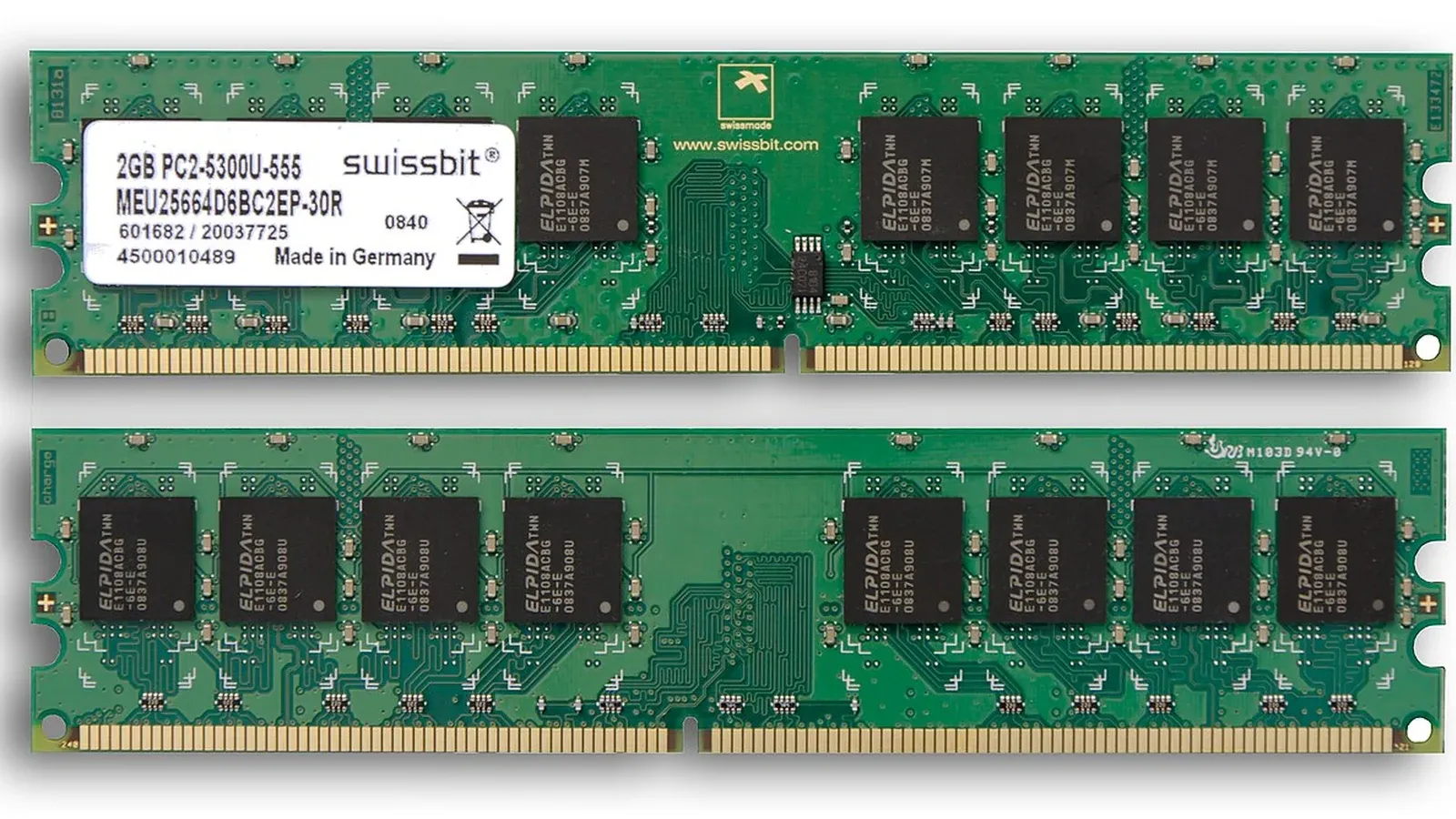
When your program reads an address 0x400000, that is not the actual location on the RAM. It is a virtual address, and the CPU’s memory manager translates it to a physical address at runtime.
The Benefits of a Middle Class
- Isolation: Process A cannot access the memory of process B, because A’s address space simply has no path to it
- Pseudo-contiguity: the program sees a contiguous memory region, even though the pages are actually scattered throughout RAM
- Smart sharing: When ten processes share a library, only one copy of the library’s code resides in RAM
Pages, page errors, and swapping
Memory is divided into pages, typically 4 KB each. When a program accesses a page that has not yet been loaded, the CPU generates a page fault and hands control over to the kernel. The kernel retrieves the data—possibly from the disk—loads it, and then allows the program to continue running as if nothing had happened.
This is also why a computer runs incredibly slow when it runs out of RAM: every time it accesses memory, it may have to wait for the hard drive, which is thousands of times slower than RAM.
What do the numbers in the top rankings mean?
VIRT— total registered virtual memory, which is usually very large and not very meaningfulRES— the portion actually residing in RAM; this is the number that really mattersSHR— the portion shared with other processes
The sum RES of all processes usually results in a number larger than the actual amount of RAM, because the shared memory is counted multiple times.
Thảo luận