

X11 was developed at a time when graphics computers were still terminals connected to servers in other rooms. That architecture remained unchanged in all Linux desktop distributions until recently.
The Problem with the Old Model
In X11, everything goes through an intermediary server. The application draws, sends the data to the server, the server composes it, and displays it on the screen. This approach is flexible but creates two major problems:
- Screen tearing and lag due to an additional copy step
- No isolation: Any X11 application can read the keys you type in another window and take a screenshot without asking for permission
Wayland does it differently
The application draws directly to its own buffer and then notifies the compositor. The compositor also serves as the window manager; there is no longer a separate intermediary layer. As a result, there is less latency, and each frame is always complete.
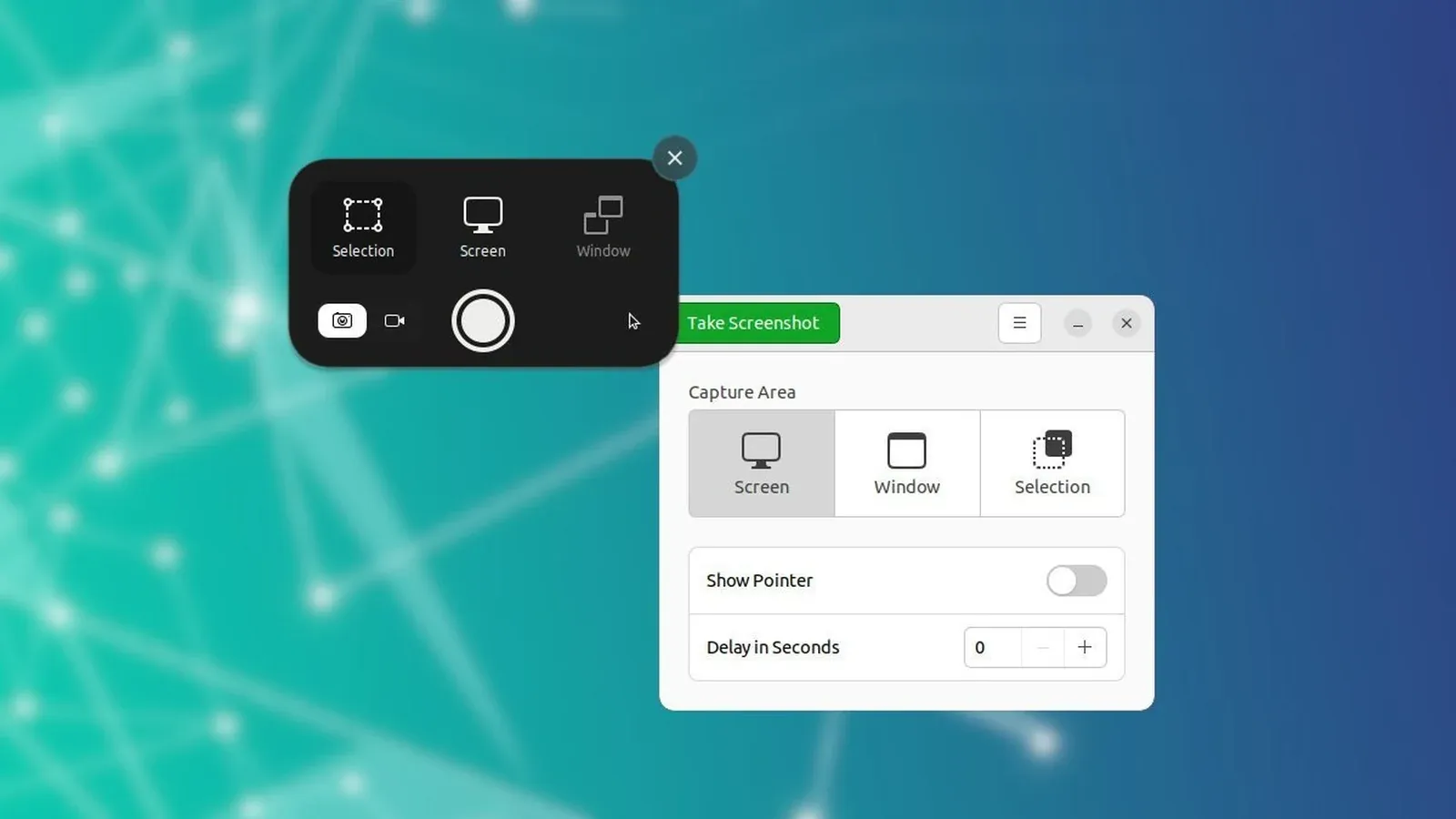
More importantly, the app is isolated by default: to take a screenshot or record a video, you must go through a prompt that asks for the user’s permission.
The Cost of Tightening
It is precisely this isolation that breaks many familiar tools—keyboard automation software, some screen-sharing applications, and older screenshot tools. They had to be rewritten to use the new interface. The Xwayland compatibility layer keeps older applications running, but they still carry the limitations of X11.
For the average user, the transition is virtually seamless. For users who rely on many automation tools, this is something to check before upgrading.
Thảo luận