

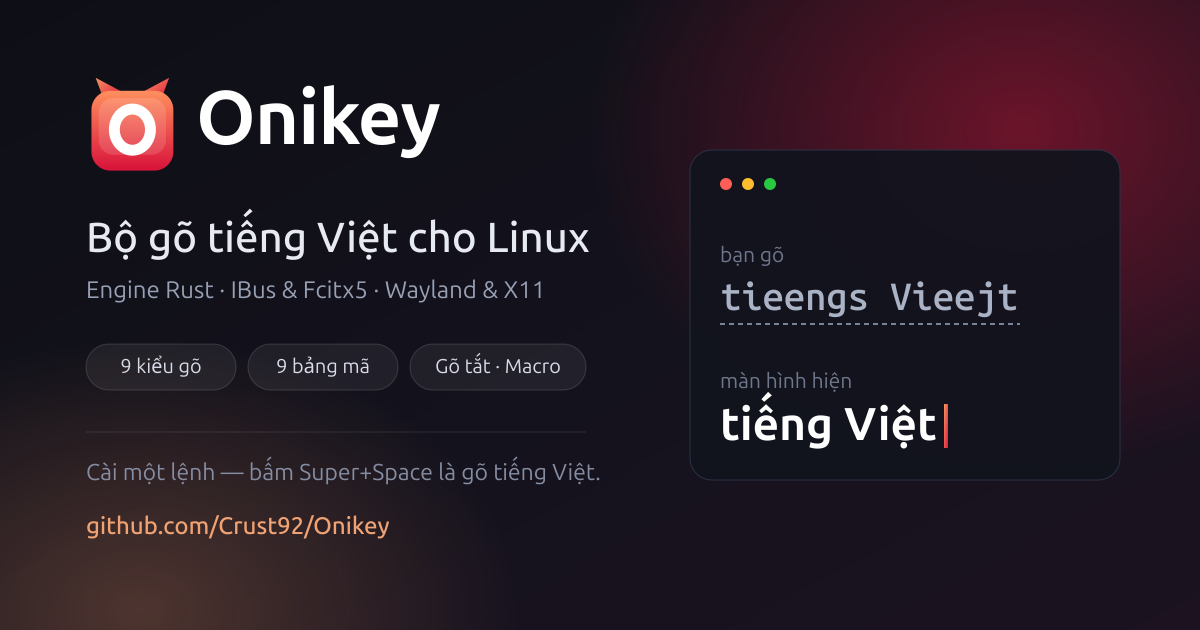
Typing Vietnamese on Linux has long revolved around a few familiar options, and each has its own drawbacks: losing diacritics when typing quickly, annoying underlines in the browser’s address bar, or an input method that crashes and takes the entire session down with it.
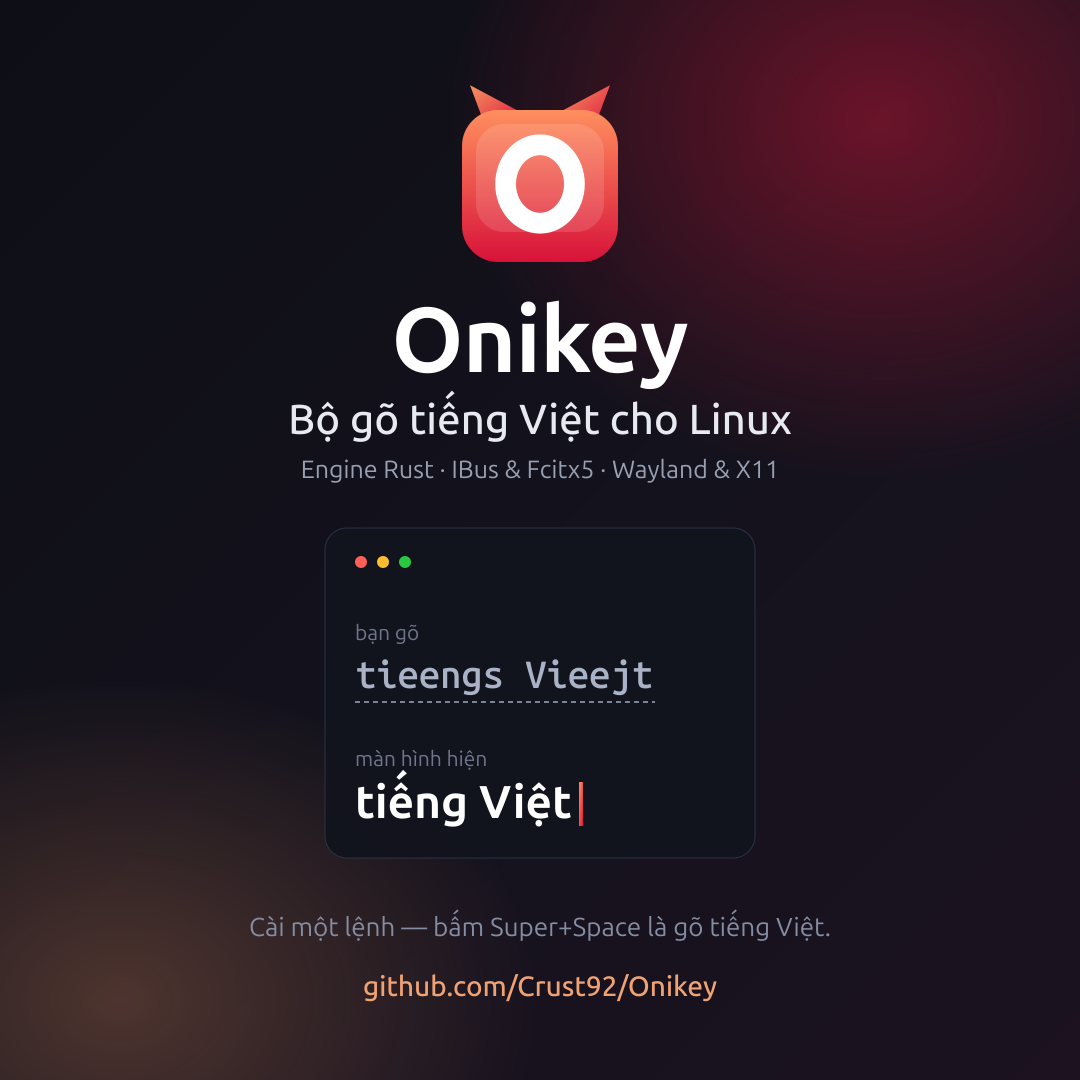
Onikey is an open-source Vietnamese input method that addresses exactly those issues. It builds on the typing method from BambooEngine but rewrites the core in Rust, supports both IBus (GNOME, Ubuntu) and Fcitx5 (KDE), and is released under the GPLv3 license.
Installation on Ubuntu and Debian
The easiest way is to add the software repository; then the updates will come along with apt upgrade just like any other package:
curl -fsSL https://crust92.github.io/Onikey/onikey-archive-keyring.gpg \
  | sudo tee /usr/share/keyrings/onikey-archive-keyring.gpg >/dev/null

echo "deb [signed-by=/usr/share/keyrings/onikey-archive-keyring.gpg] https://crust92.github.io/Onikey stable main" \
  | sudo tee /etc/apt/sources.list.d/onikey.list

sudo apt update
sudo apt install onikey          # cho IBus (GNOME)
sudo apt install fcitx5-onikey   # cho Fcitx5 (KDE)
Once installed, press Super + Space to start typing right away. The package automatically reloads IBus and adds the input source; there’s no need to log out or go into system settings.
Install from source code
sudo apt install -y golang cargo gcc make pkg-config \
     libgtk-3-dev libxtst-dev libx11-dev
git clone https://github.com/Crust92/Onikey.git
cd Onikey && make && sudo make install PREFIX=/usr && ibus restart
Then go to Settings → Keyboard → Input Sources → + → Vietnamese → Onikey. To remove it, sudo make uninstall. On Fedora, you need to specify an additional LIBEXECDIR=/usr/libexec/onikey.
Notable Features
Input methods and character sets. Options include Telex, Telex 2, Telex W, VNI, VIQR, and several combinations; the default is Telex 2. In addition to Unicode, the character sets include legacy sets such as TCVN3, VNI Windows, and VISCII for users who still need to work with older documents.
Two display modes. The default is pre-edit—the word you’re typing is underlined and locked when you press the space bar, ensuring reliability in all situations. The "no underline" mode sends text directly to the application, making it look more natural; if an application doesn’t support it, the engine automatically reverts to pre-edit mode instead of ignoring the keystroke.
Remove the underline specifically for the browser. This is a small detail whose value becomes apparent only with daily use: the address bar doesn’t have an underline, so URL suggestions work normally, while other input fields retain their pre-edit state.
Recover from a foreign language. Type words like password or expression in the middle of a Vietnamese sentence without having the diacritics removed—when the string is no longer a valid Vietnamese syllable, the engine returns the exact keystroke sequence that was entered.
Shortcut. Declare in ~/.config/onikey/onikey.macro.text in the following format khoá:văn bản. Enable auto-capitalization, and the extension will follow the typing pattern: vn "Viet Nam," VN to VIET NAM.
For daily use
Everything is located in the menu under the icon vi on the system tray: character set, input method, shortcuts, spell check, and the configuration dialog for assigning keyboard shortcuts. Changes take effect immediately, without requiring a restart; even if you manually edit the configuration file, the engine will reload automatically.
A Few Technical Points Worth Mentioning
- The core has been validated against BambooEngine’s behavior using a dataset of over 126,000 cases, comparing the sequence of results after each keystroke rather than just the final result
- In underline-removal mode, the engine waits for the application to confirm that the deletion is complete before continuing to type—this is the root-cause solution to the issue of characters being swapped when typing quickly
- The configuration dialog runs as a separate process, so interface errors do not cause the engine to crash
When a problem occurs
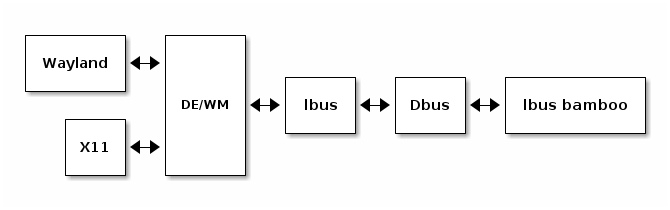
The engine is launched by ibus-daemon, so it doesn't display anything on the screen. Enable logging to see what's happening:
touch ~/.config/onikey/onikey-debug && ibus restartThe log file ~/.config/onikey/onikey-rust-debug.log, including the loaded configuration and the engine selected for each key. Delete the flag file and restart IBus to disable it.
On GNOME Wayland, there are two limitations that stem from the platform itself rather than the input method: it cannot detect which application has focus, and it cannot send virtual keys as it does on X11. When using Fcitx5 with KDE, if you can type in one application but not in another, try setting ShareInputState=All in the advanced configuration section of Fcitx5.
Thảo luận